

If you want to download YouTube directly to your Android device:
Connect your Android device via cable.
Copy the desired video URL.
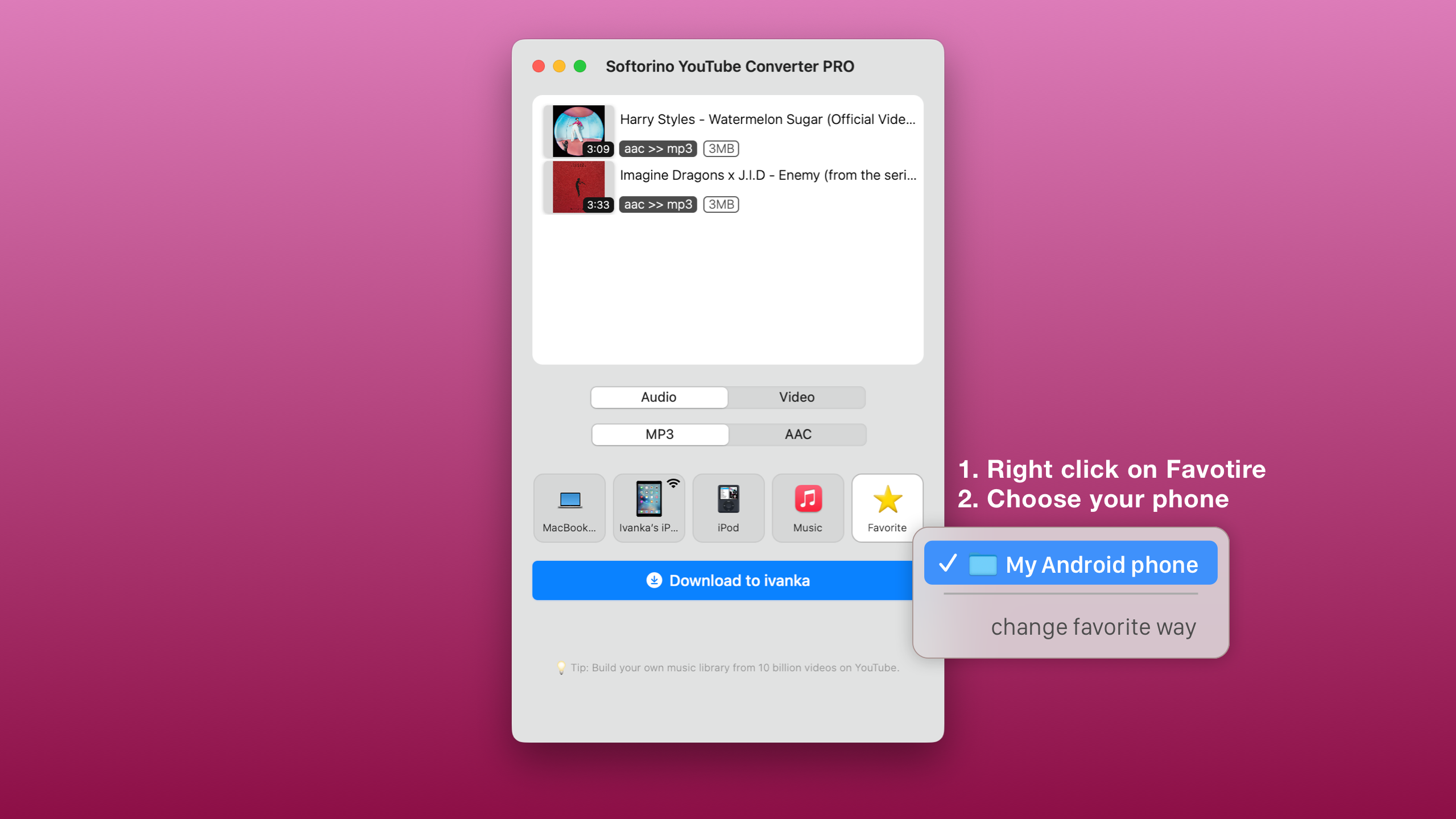
Select the SD card location as the Favorite folder destination.
Click the 'Download' button.
What are you looking for?
Here you can find answers to your questions and everything else you need to know about Softorino apps.
How can I download video and music to my Android device by using SYC PRO?
SYC PRO
Download YouTube directly to your Android device by selecting the SD card location!
Last updated on 31 Oct, 2025
If you want to download YouTube directly to your Android device:
Connect your Android device via cable.
Copy the desired video URL.
Select the SD card location as the Favorite folder destination.
Click the 'Download' button.